Your online food ordering system might not always be top of mind when you’ve got orders flying in, staff to manage, deliveries to track, and a kitchen full of chaos (the good kind, hopefully).
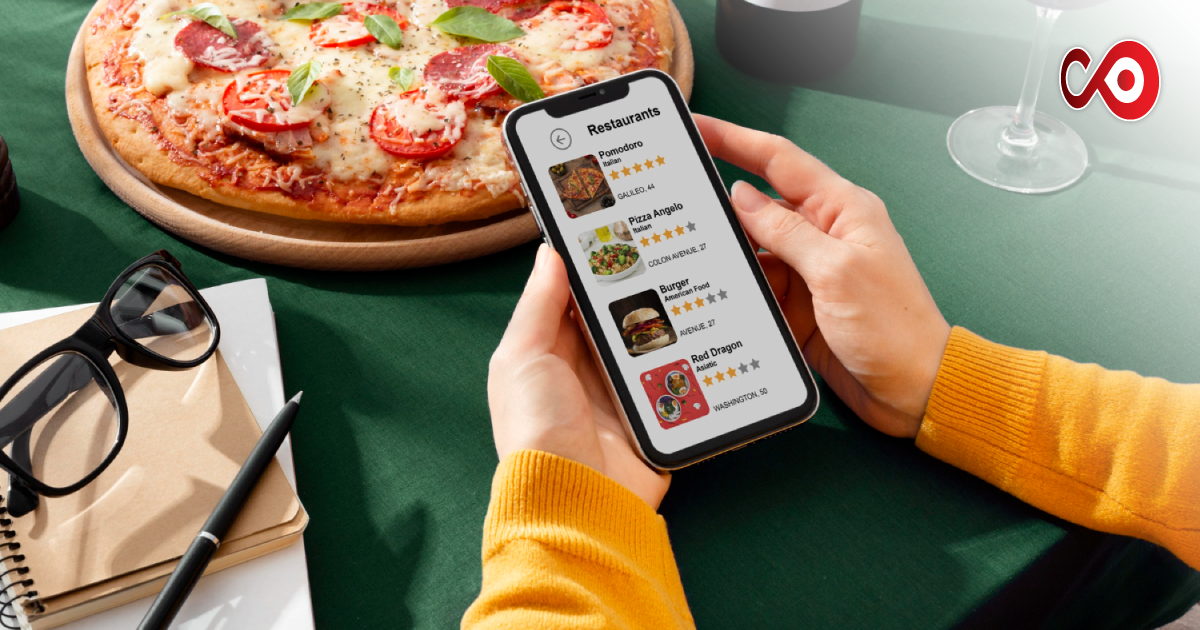
But here’s the thing: your customers? They’re ordering with one hand while holding a baby, watching Netflix, or dashing between meetings. And they’re doing it on their phones.
So, if your mobile ordering experience isn’t up to scratch, you could be losing them before they even choose a starter.
This guide isn’t going to throw tech jargon at you or pretend you’ve got hours of free time to rebuild your site. It’s here to help you make a few clever, human tweaks to your restaurant ordering system, so mobile customers stick around, order more, and keep coming back.
First Things First: Mobile Is the Default Now
Let’s imagine you’ve got a customer, say, Emma. It’s 7:15 pm. She’s just wrapped up work, she’s starving, and she doesn’t feel like cooking. She grabs her phone, types in “Indian takeaway near me” and boom, she lands on your site.
Now, if she’s squinting at a tiny menu, struggling to tap the ‘Order Now’ button, or waiting too long for your site to load, she’s gone, probably to your competitor with the smoother ordering process.
That’s not to scare you, it’s just the reality of how people order food today.
The mobile experience matters. A lot.
Look at Your Site Like a Customer Would
Be honest, when’s the last time you tried to order from your own site using your phone? Not on a fancy laptop. Not on the tablet in the back office. But really, from a mobile screen on the go?
Give it a go.
You’ll probably spot a few things that could be easier. Maybe the menu is hard to scroll. Maybe it’s a pain to go back and edit an order. Or maybe it’s just a bit… slow.
The good news? You don’t need to rip everything apart. A few thoughtful changes can make a big difference.
Make Ordering Feel Effortless (Because Life’s Already Busy)
Let’s keep it real, your customers aren’t sitting down with a glass of wine to slowly browse your menu. They want dinner sorted in three minutes flat.
Here’s how to help them out:
Fast Load Times
Your site should load in a snap, even on patchy 4G. People won’t wait. A slow site feels like a closed door.
Menus Built for Thumbs
Big buttons. Clear categories. Tempting food photos that actually show the dish. Don’t make anyone zoom in or squint to find their biryani.
Easy Checkout
Make it as close to one-tap ordering as possible. Guest checkout is a lifesaver. Offer Apple Pay, Google Pay, or card payment options. Nobody wants to enter their address letter by letter with sauce-covered fingers.
Think about it like this: your website isn’t just a menu, it’s your waiter. It should be just as helpful, friendly, and easy to talk to.
Behind the Scenes: Your Ordering System Needs to Keep Up
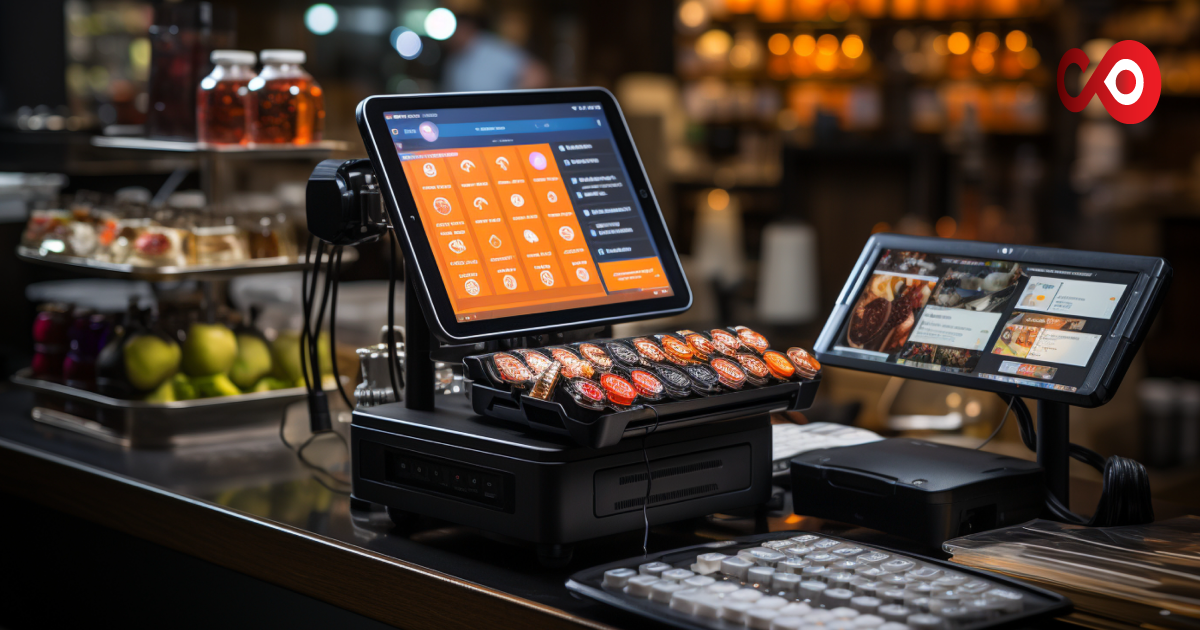
Now, let’s talk kitchen talk. When an order comes in, your staff needs to know about it instantly. No refreshing screens. No double-checking WhatsApp.
That’s where a smart restaurant ordering system comes in.
The best ones slot into your existing flow. Orders pop up clearly. Menus update in real time. You’re not second-guessing if someone’s ordered five garlic naans or fifty.
Plus, these systems help you track what’s popular, what’s not, and even send reminders to regulars (you know, those folks who can’t get enough of your butter chicken).
It’s not about going “high-tech”. It’s about giving your team less to stress over and more time to focus on the food.
Make It Feel Personal (Even Through a Screen)
One of the biggest myths in online ordering? That it’s impersonal. But you can actually make the digital experience feel just as warm and welcoming as your front-of-house.
Here’s how:
- Keep your brand voice consistent: If you’re cheeky and fun in person, let that come through on your site.
- Show your best dishes with names, photos, and little blurbs. (“Mum’s secret masala sauce – the one we argued over, perfected, and now proudly serve.”)
- Thank them after every order: A quick “We’ve got your order – it’ll be piping hot soon!” can go a long way.
And Don’t Forget the SEO Bit (Yes, It Matters Too)
You might not care about keywords, but Google does. If you want to show up when someone searches for “butter chicken takeaway East London” or “vegan curry delivery near me”, your site needs to be searchable.
That means:
- Fast, mobile-friendly design
- Keywords in your menu names and meta descriptions
- Clear location info (especially for delivery!)
- Schema markup (get your web guy to sort this, it’s worth it)
You don’t need to become an SEO expert. Just make sure your site speaks the same language your customers are typing into Google.
Keep Listening, Keep Tweaking
The best restaurants aren’t static. You adapt. You listen to feedback. You tweak your recipes.
Your mobile ordering system should be the same.
Ask your customers what’s working and what’s not. See where people drop off during checkout. And every so often, place an order yourself, pretend you’re a first-time customer and see how it feels.
Think of it this way: your site should be as welcoming as your front door.
In a Nutshell: Make It Easy. Make It You.
Your food is brilliant. Your service is solid. Don’t let a clunky mobile experience trip you up.
A good online food ordering system, built with your real-life customers in mind, can be the difference between someone scrolling past… and someone ordering every Friday night without fail.
And the best part? You don’t need to become a tech wizard. Just make it smoother, faster, and more like you.
Because when ordering from you feels effortless, people come back. Simple as that.
FAQ: Mobile Ordering for Restaurants
- Do I need a mobile app or is a good website enough?
Unless you’ve got a massive loyal base, start with a mobile-optimised website. It’s cheaper, quicker, and easier for customers who don’t want to download another app. - How often should I update my mobile ordering system?
Regularly test it, especially after any menu or layout changes. A monthly test from your own phone keeps things sharp.
3. What’s the most common mistake restaurant owners make with mobile ordering?
Forgetting the user experience. Complicated checkouts, poor navigation, or missing menu items can lead to dropped orders. Keep it simple and user-first.