Running a restaurant in the UK is harder than ever. Recent hospitality figures continue to show high closure rates across the sector, with rising costs, staffing shortages and tighter margins making daily operations harder to manage. Yet many restaurant owners still lose revenue for a simpler reason.
They are relying on the wrong EPOS system for restaurant operations.
A delayed order. A missing modifier on a takeaway ticket. A kitchen printer jam during Friday night service. A payment terminal freezing mid transaction.
These operational issues might seem small in isolation, but over weeks and months they cost restaurants thousands in wasted food, lost orders, poor customer reviews and stressed staff.
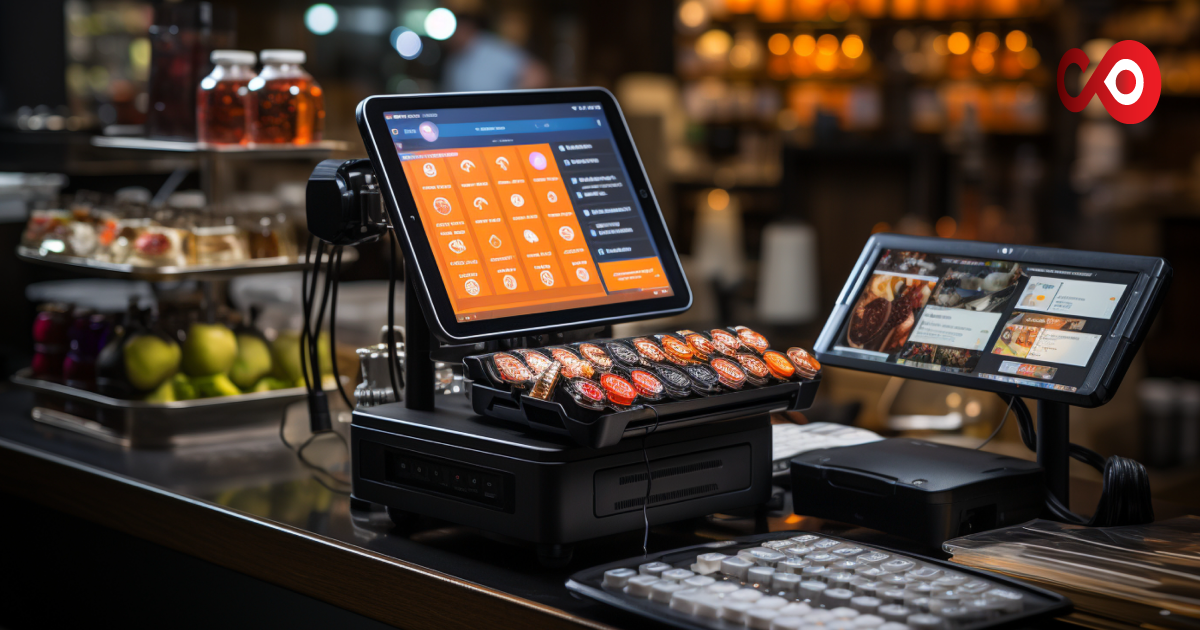
The right EPOS system does far more than process payments. It acts as the control centre of your restaurant POS, linking your front of house, kitchen, delivery management, stock control and online food ordering system into one reliable workflow.
If you are reviewing your current setup or choosing your first point-of-sale software, this guide will help you find the best fit for your business in the UK hospitality market.
Why Your Restaurant Needs the Right EPoS System
Many restaurant owners choose software based on price alone. That usually leads to problems later. A cheaper system may lack integration with your restaurant ordering system, struggle during busy periods, or fail to support your operational style.
The right EPoS for restaurant operations solves several common pain points:
- Reduces order errors by sending clear digital instructions to the kitchen
- Speeds up service through faster order input
- Improves takeaway management through direct delivery integration
- Provides accurate reporting so you can spot slow-moving menu items and peak revenue periods
Think of it this way. Your EPoS is not just a till. It is the operating system of your business. If it is slow or unreliable, every part of the service suffers.
What Type of Restaurant Are You Running?
One of the biggest mistakes restaurant owners make is choosing software built for a completely different service model. The best EPoS system for restaurants depends entirely on your setup.
Fast Service Takeaway and Delivery
If your restaurant handles high takeaway volume, speed matters. You need an EPoS for a quick service restaurant that can process modifier-heavy orders quickly.
A customer ordering through your online food ordering system may request extra toppings, allergy changes or delivery instructions.
Your system needs to process this instantly.
Prioritise:
- Fast order entry
- Built-in delivery dispatch
- Aggregator integrations
- Delivery zone management
- Live order tracking
For busy takeaways, seconds matter. A delay of even 20 seconds per order adds up fast during peak periods.
Full Service Sit Down Restaurant
Dining-in service requires more operational depth.
Your restaurant EPoS needs to support:
- Table mapping
- Course-by-course order flow
- Split billing
- Reservation syncing
- Tableside payment
A strong floor plan view helps staff manage covers efficiently. Kitchen display system integration also improves communication between the front and back of the house.
Café and Quick Service Counter
Cafés need fast throughput and simplicity.
Your EPoS till systems for restaurants should focus on:
- Quick transaction processing
- Loyalty features
- Simple menu navigation
- Affordable hardware bundles
You do not need enterprise level complexity if your operation is straightforward. Ease of use matters more.
Multi Site or Franchise
If you run multiple locations, control becomes the priority. You need cloud epos systems for restaurants that allow central management.
This includes:
- Shared menu updates
- Consolidated reporting
- Role based permissions
- Cross site stock visibility
Without central oversight, scaling becomes messy and inefficient.
The 7 Must Have Features to Look For
1. Kitchen Display System Integration
Paper tickets create confusion. They get lost, damaged or misread. A digital kitchen display system sends orders directly to prep stations. This reduces errors and speeds service.
Before choosing a provider, ask:
- Is KDS included in the package?
- Is it charged as an add on?
- Does it integrate smoothly with existing kitchen workflows?
Some systems advertise low pricing but increase costs later through hidden feature upgrades.
2. Built In Online Ordering
There is a major difference between native ordering and third party dependency. If your EPoS includes built in ordering, customers order directly from your website.
That means:
- Lower commission costs
- Greater control over customer data
- Faster order processing
- Better connection with your restaurant ordering system
For UK operators wanting stronger margins, this is one of the biggest benefits of EPoS for restaurants. You can review options here: ChefOnline EPOS Solutions
3. Ingredient Level Stock Management
This feature often gets overlooked. The best EPoS software for restaurant management automatically tracks ingredients.
For example, a burger order may automatically deduct:
- One brioche bun
- One burger patty
- One cheese slice
- Sauce inventory
This gives accurate low stock alerts and helps:
- Reduce food waste
- Improve stock forecasting
- Prevent over-ordering
Even cutting food waste by 3 per cent each month can create noticeable annual savings.
4. Table and Order Management
For dine-in venues, efficient order control is essential.
Features should include:
- Table status tracking
- Course pacing
- Split bills
- Cover count management
Without this, service slows during busy periods.
5. Integrated Payment Processing
Customers expect flexibility.
Your system should support:
- Contactless payment
- QR payments
- Split transactions
- PCI-compliant processing
Be careful with transaction fee structures. Some lower monthly subscriptions offset costs through higher card processing charges. Always calculate the long-term total.
6. Reporting and Analytics Dashboard
Good reporting helps you make sharper business decisions. The strongest epos system for restaurant UK providers offers reports covering:
- Top-selling items
- Peak trading periods
- Staff performance
- Profit margins by menu item
- Repeat customer trends
These insights shape staffing, menu pricing and promotional campaigns.
7. Offline Mode and Reliability
This is one feature many buyers forget to ask about. A reliable system should continue processing locally and automatically sync when the service returns.
Always verify:
- Local data caching
- Auto sync on reconnect
- Backup payment processing
- No single point of failure
If your system cannot operate offline, your service stops. That is a risk no busy restaurant should accept.
How to Choose the Best EPOS System Step by Step
Follow a practical process.
Step 1: Identify your restaurant type
QSR, dine in, takeaway, café or multi location.
Step 2: Set your budget
Include software, hardware and payment processing fees.
Step 3: Define must have features
Separate essentials from extras.
Step 4: Check integration compatibility
Make sure your systems connect properly.
Step 5: Test usability
Ask staff to trial the interface.
Step 6: Compare providers
Request demos and support details.
Take your time. A rushed decision often becomes an expensive replacement six months later.
How Much Does an EPOS System for a Restaurant Cost?
For UK restaurants, software typically costs between £30 and £150 per month. Hardware packages usually range from £250 to £900, depending on your setup.
A typical package may include:
- Touchscreen terminal
- Receipt printer
- Card machine integration
- Kitchen display screen
Some providers advertise free software. Usually, they recover this through higher payment processing fees, often around 1.75 per cent or more. A lower monthly fee does not always mean lower total cost. Always compare the full financial picture over 12 months.
Questions to Ask Any EPOS Vendor Before You Sign
Before signing, ask direct questions:
- Can the system operate offline?
- How quickly is support available during service hours?
- Are software updates included?
- What integrations are native?
- How long is onboarding?
- Are there contract exit fees?
The quality of support often matters just as much as the software itself.
Common Mistakes UK Restaurant Owners Make When Buying EPOS
Some of the most common mistakes include:
- Buying based purely on price
- Choosing features they will never use
- Ignoring future growth needs
- Skipping staff usability testing
- Overlooking offline reliability
The biggest mistake is choosing a system that does not match your operational workflow.
Ready to Choose a Better EPOS?
If your current setup causes delays, missed orders or reporting blind spots, it may be time to switch.
The right system improves:
- Speed of service
- Order accuracy
- Operational efficiency
- Customer satisfaction
- Profitability
For restaurant owners across the UK, reviewing your options carefully now can prevent operational headaches later.
FAQs
What is the best EPOS system for restaurants in the UK?
The best option depends on your restaurant type, service style and ordering needs.
Are cloud EPOS systems reliable?
Yes, provided they include offline mode and automatic syncing after reconnection.
How long does EPOS setup take?
Most systems can be installed within a few days, though full staff training may take one to two weeks.
Can an EPOS system improve takeaway orders?
Yes. Integrated online ordering reduces manual-entry errors and speeds up processing.
Is an EPOS system worth the cost for small restaurants?
For most UK restaurants, the efficiency gains and reduced operational errors outweigh the monthly cost.